
The qq7 mobile app gives you fast load times, live match scores, push notifications, and instant payments via bKash and Nagad — all in one place. It's smoother and quicker than using a browser.
Android APK, iOS App Store, or PWA — pick whichever works best for you
Download the official qq7 APK directly. Compatible with any Android device running Android 7.0 or above.
IPhone and iPad users can install the qq7 app directly from the App Store. Compatible with iOS 13.0 and above.
Install the qq7 PWA from any device's browser — add it to your home screen without an APK or App Store.
Just five steps — done in under 2 minutes
Tap the "Download APK" button above. The file will be saved to your Downloads folder.
Go to Settings → Security → and enable "Unknown Sources" or "Install Unknown Apps".
Open your Downloads folder and tap the qq7.apk file.
Tap the "Install" button and grant the required permissions. The process completes in under 30 seconds.
Tap the qq7 icon on your home screen, log in, and get started.
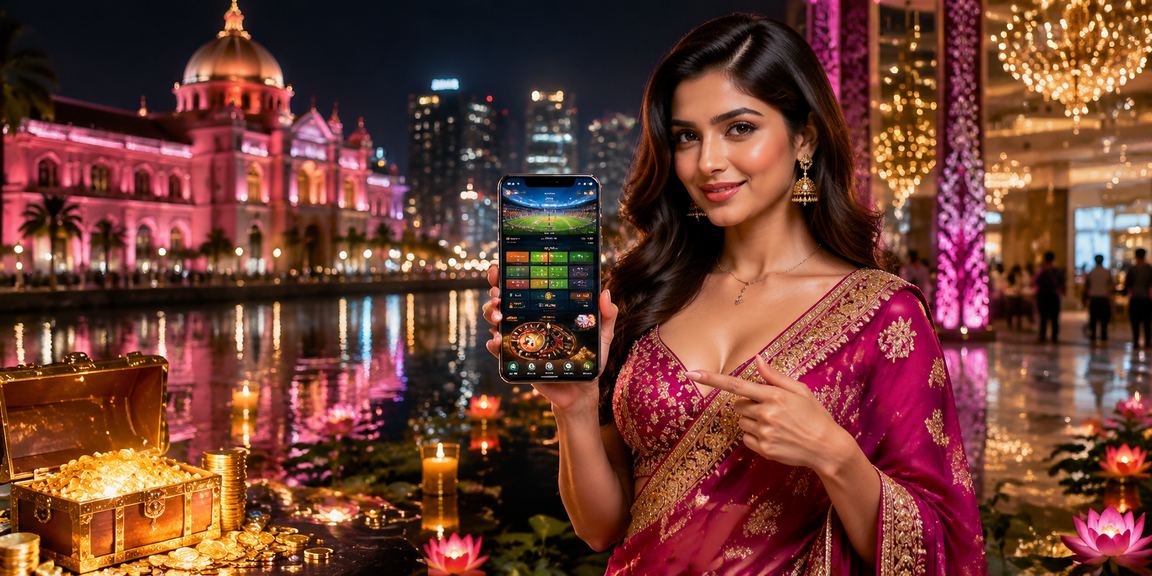
The mobile app is more than just a copy of the website — it offers a lot more
The app uses optimized caching, so live match scores load almost instantly even on a weak network connection.
Match kick-offs, bonus offers, completed withdrawals — all updates delivered straight to your phone. No need to open a browser.
Log in with your fingerprint or Face ID — no need to type your password every time.
Watch live streams of selected matches right inside the app — no need to visit external streaming sites.
The qq7 app is built entirely in dark theme — easy on the eyes at night and gentle on your battery.
Even without an internet connection, you can view previous scores and betting history. Everything syncs automatically once you're back online.
Many people bet on qq7 through the website, and that works perfectly fine. But most regular players eventually make the switch to the app — and for good reason: it's simply a much more comfortable experience.
During live betting, odds can shift within seconds. Even the time it takes a browser page to load can make a real difference. With the qq7 app, that load time is virtually zero — because the key data is already cached and ready to go.
Security Assurance: The qq7 APK file undergoes third-party security scanning before every release. The SHA-256 checksum for the file is published on qq7.site, so you can verify its authenticity yourself.
Push notifications are a standout feature worth highlighting. Say a Bangladesh match is about to start and the odds shift the moment the first wicket falls — without an app notification right then, you'd miss the opportunity entirely. With qq7 app, as long as you're logged in, important updates are delivered straight to your phone.
Many phones in Bangladesh have limited storage, which is exactly why the qq7 APK has been kept intentionally small — just 23 MB. After installation, the total footprint including cache won't exceed 60–70 MB. That's smaller than many social media apps.

A quick overview of where to find every feature
| Features | Mobile App | Website |
|---|---|---|
| Push Notifications | ||
| Biometric Login | ||
| Live Stream | Limited | |
| Load Speed (Live Bet) | <0.5 seconds | 1–2 seconds |
| Offline Data | ||
| App-Exclusive Bonus | ||
| Data Usage (Live) | 40% Less | More |
| Widget Support |
Common notifications you'll receive on your phone after installing the app
This is one of the most frequently asked questions. The short answer: APKs downloaded directly from qq7.site are completely safe. They come from the official source, not a third-party or unofficial site. That said, if anyone offers you a file called "qq7 APK" from a different website, be careful — those could be fakes.
A lot of users hesitate when it comes to enabling Unknown Sources on their Android phone. The good news is you only need to turn this setting on during installation — you can switch it back off right after. On modern Android devices (Android 8.0+), this permission can be granted on a per-app basis, so your entire system doesn't become open.
For iOS Users: No sideloading needed on iPhone. The qq7 iOS app is available directly on the App Store. A beta version is also accessible via TestFlight.
A PWA, or Progressive Web App, is a special type of web page that functions like an app. Open qq7.site in Chrome, tap the menu next to the address bar, and select "Add to Home Screen" or "Install App" — an icon will appear on your home screen. Next time you tap it, the site opens in full-screen just like a native app.
That said, some features like push notifications and biometric login are limited on iOS when using a PWA. On Android, the PWA experience is much closer to the native APK. If your phone is low on storage or you're having trouble installing the APK, the PWA is a solid alternative.
One last thing — try the qq7 app for yourself and you'll notice the difference immediately. The speed you experience during live matches is something else, and once you feel it, going back to a browser just doesn't appeal anymore. Give it one install.

Recent changes to the qq7 app
Answers to the Most Frequently Asked Questions
Scan with your camera — it takes you straight to the download page
Download NowRegister for free, download the app, and claim your 200% welcome bonus.
Free Registration Log In